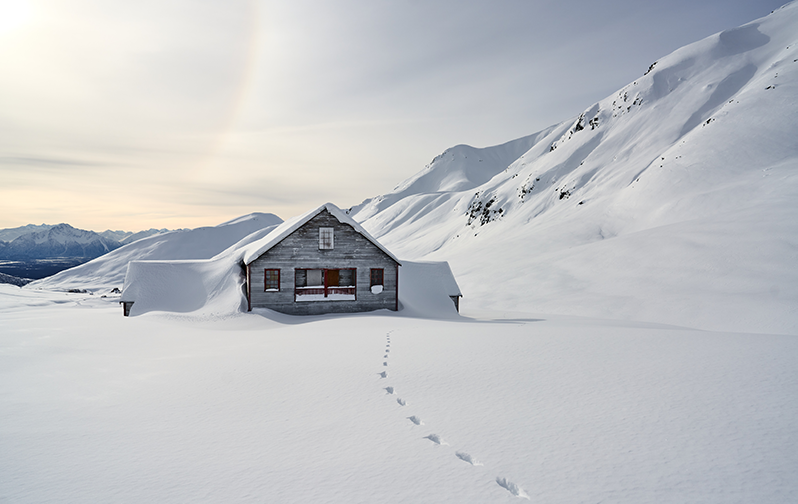
There are many tools at your disposal in Capture One to edit your landscape photos with. But what tools make sense and when? How does Exposure differ from Brightness? Should I use Contrast or a Luma Curve? What do the different types of Clarity do?
In this webinar we will run through some edits to appeal to beginners and more advanced users alike. So sign up and take your landscape editing to the next level and enjoy the creative process even more.
NOTE: This article discusses an outdated version of Capture One. To learn more about our latest version, click here.
For our Capture One 21 launch, we challenged Polish food and still life photographer Maciek Miloch to tell us about his experience of the pandemic – using just one color. In this blog, he shares the inspiration behind his shoot and how he created an entire green universe during a lockdown.
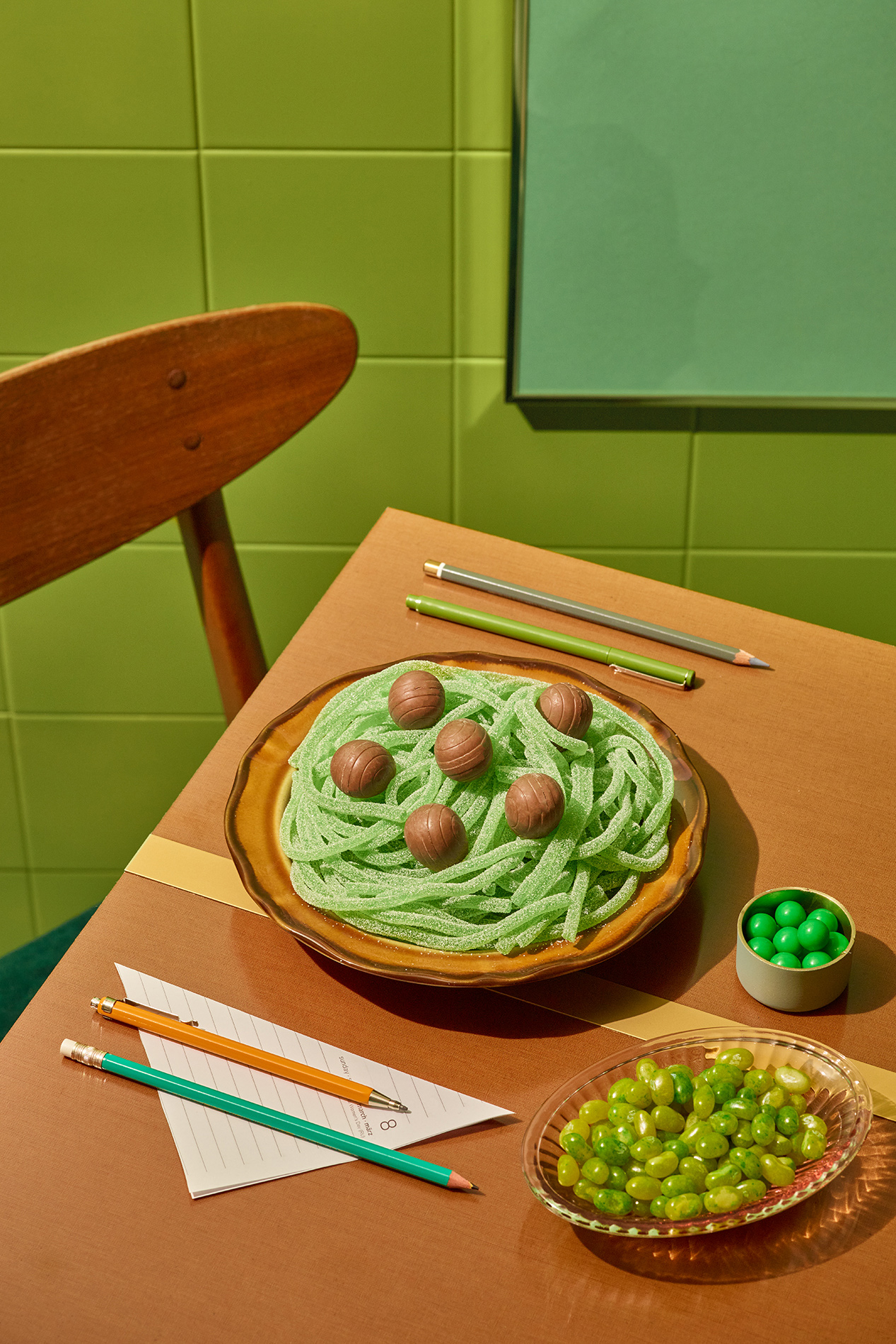
As a foodie at heart, my photography series “Eat your greens” is dedicated to my coping mechanism during the COVID-19 pandemic – comfort food. In challenging times, I wanted to capture my experiences in a fun, playful way.
My background is art direction, so I wanted the series to be highly conceptual and sketched everything our prior to the shoot.
Shooting photos during a pandemic
To create the concept, I took a color that is normally associated with healthy eating and gave it a twist, using “greens” to depict sweets and candy. I also depicted a mash up of home office and food worlds, which began to blend for me as I worked more from home under the pandemic.
As a professional photographer, I usually rent a large studio for more space. But with a lockdown, the very small studio space that I own had to do. I worked with a tiny team of 3 – just my assistant and my friend and set designer, Zuza.
To me, this project was about using what we already had available. Both Zuza and I collect vintage items as a hobby. With Poland in lockdown and stores closed, we drew on our personal collections to give the photos a retro look. I like that it gave the series a touch of “nonsense.”
Besides our vintage props, we used a lot of materials that were already in my small studio space. To create a green universe, my assistant and I painted everything green in gold and copper tones – we even painted one of the walls green so that there was enough background.
We also did the food styling ourselves, relying on secrets I had picked up from stylists during my career as food photographer.
The challenges of green
I was initially afraid of green – it took me out of my comfort zone. The human eye can identify more nuances of green than with any other color, making it one of the most challenging colors for creatives to work with.
Green also has so many different tones to portray different moods – from warm, almost yellow tones to highly saturated cold tones that look artificial. It was critical to get my greens exactly right so I could tell my story in my own vision.
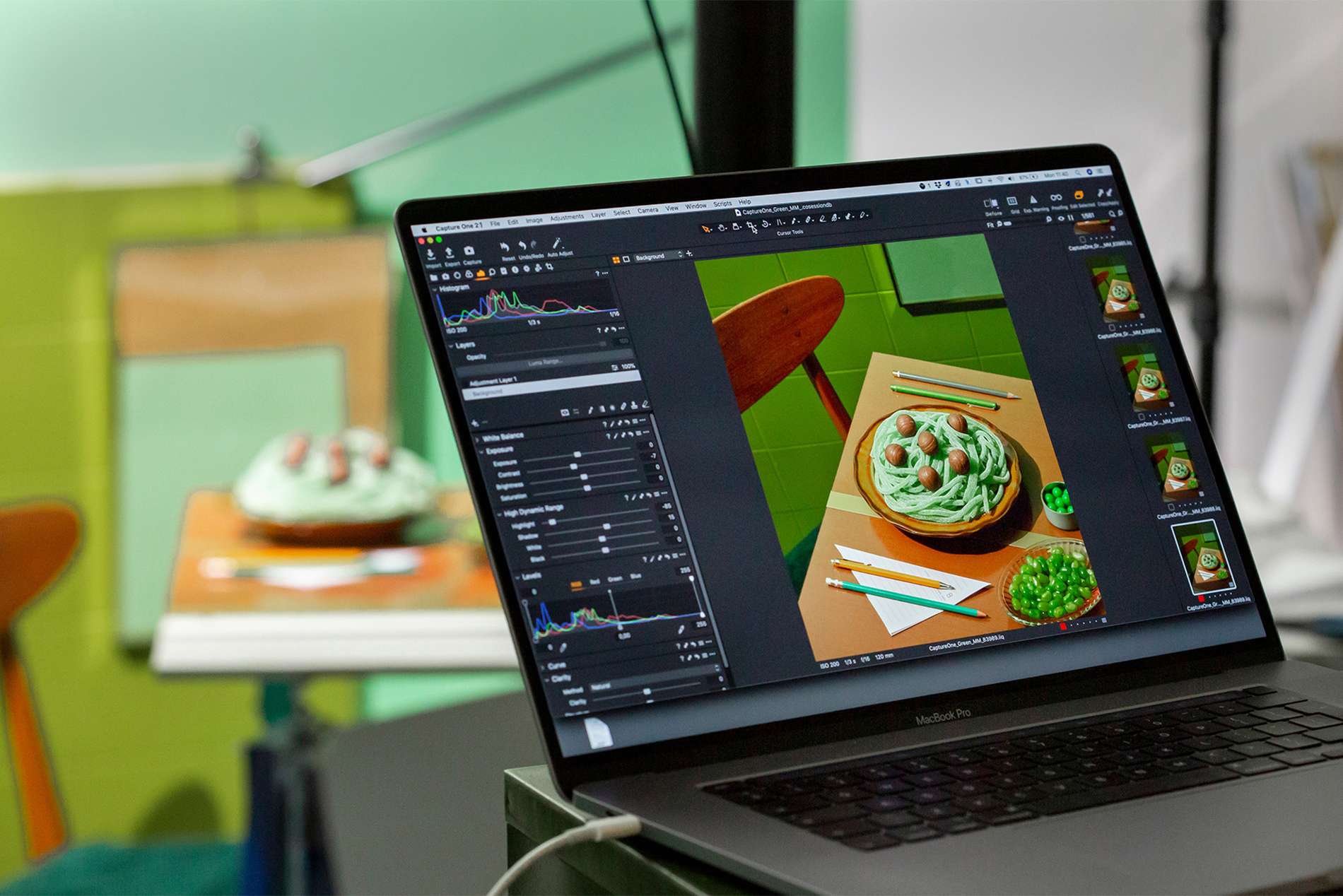
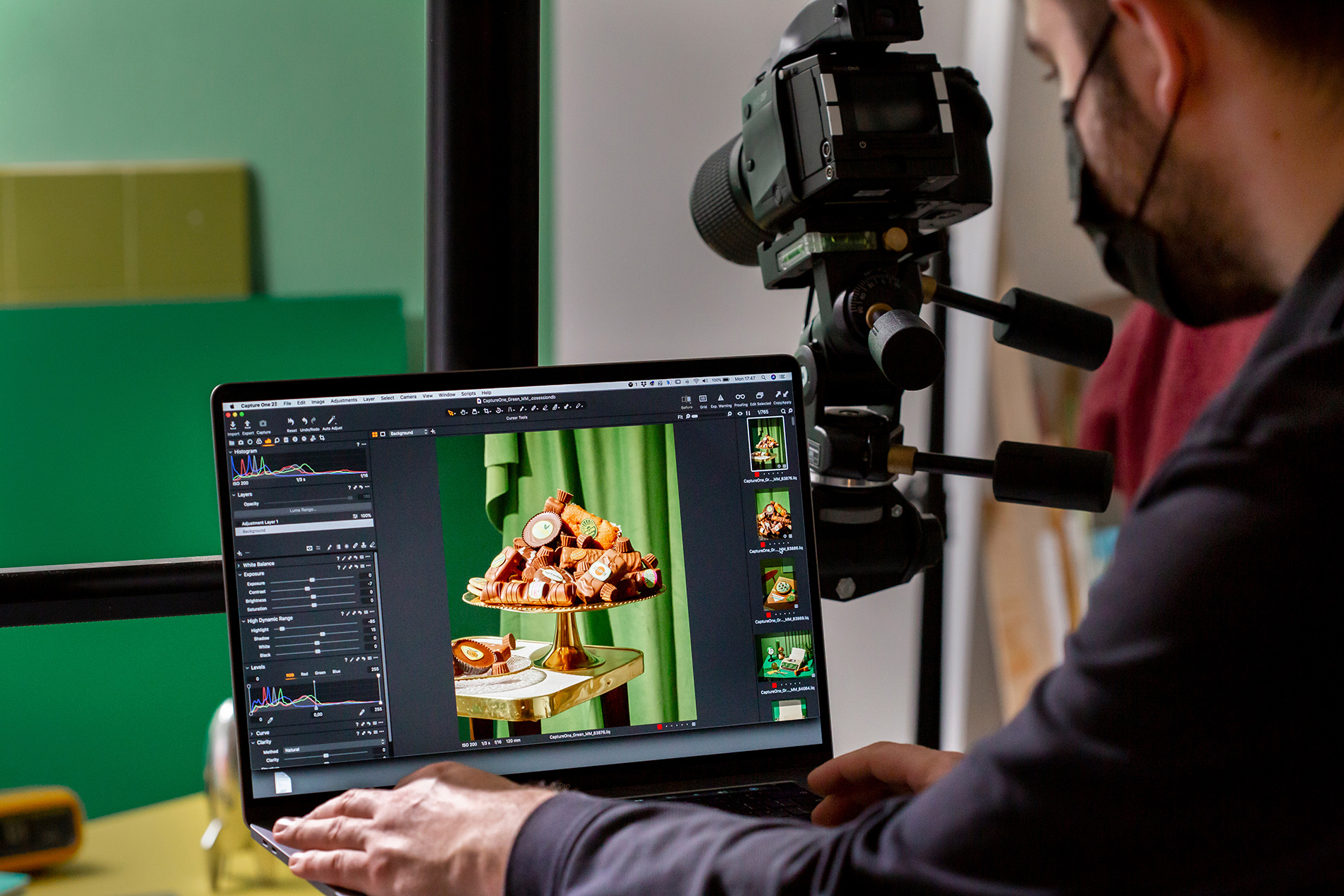
Capture One was crucial to my green editing process. I’ve found that it renders colors in a more pleasing way than other photo editing software, giving softer color transitions and tones that are true-to-life.
Editing tips for green
I relied heavily on the Advanced Color Editor to twist and alter some of the colors. I carefully choose colors before photo shoots, but no matter how dedicated you are, different tones can end up reacting differently due to light and the color cast from surrounding objects and surfaces. This photo editing tool from Capture One allows me to create color exactly as I imagine it.
Unexpectedly, the Skin Tone tool also helped me even out the colors of a surface or an object, which is ideal for still life photography. And the new Dehaze tool in Capture One 21 allowed me to make the glass carafe look more clear. This was critical for a shoot with vintage glassware, as it allowed me to quickly reduce haze from the glass in post production.
Green means hope
Green might have seemed challenging to work with in the beginning – but with the right photo editing tools, I was able to bring out the exact green tones and hues that I wanted. I created it as a vintage and old-school color to match the retro feel of my shoot.
I ultimately find green a hopeful color – representing life, hope and vitality, and I’m happy I was able to use green to communicate visually about this unprecedented time period. I can’t wait to see how the Capture One community interprets this incredible and versatile color.
Share your green story
Inspired to create a green story just like Maciek? Upload it to Instagram with the hashtag #captureone for the chance to be featured in our community gallery. Plus, explore Capture One to discover the latest color editing tools to help tell your story.