All posts filed under: Community

2nd Gen Wireless Tethering: how we made wireless a choice, not a fallback

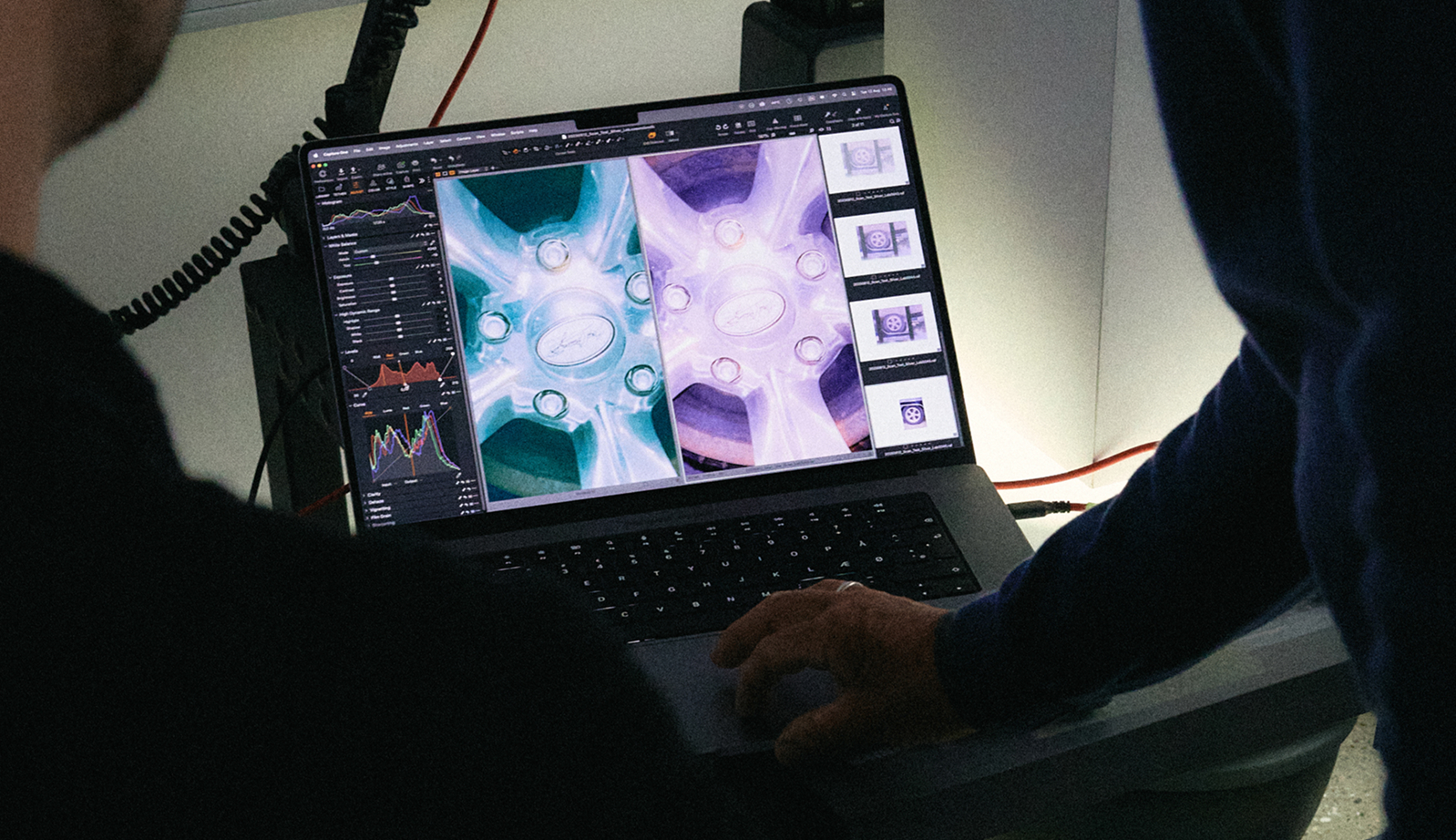
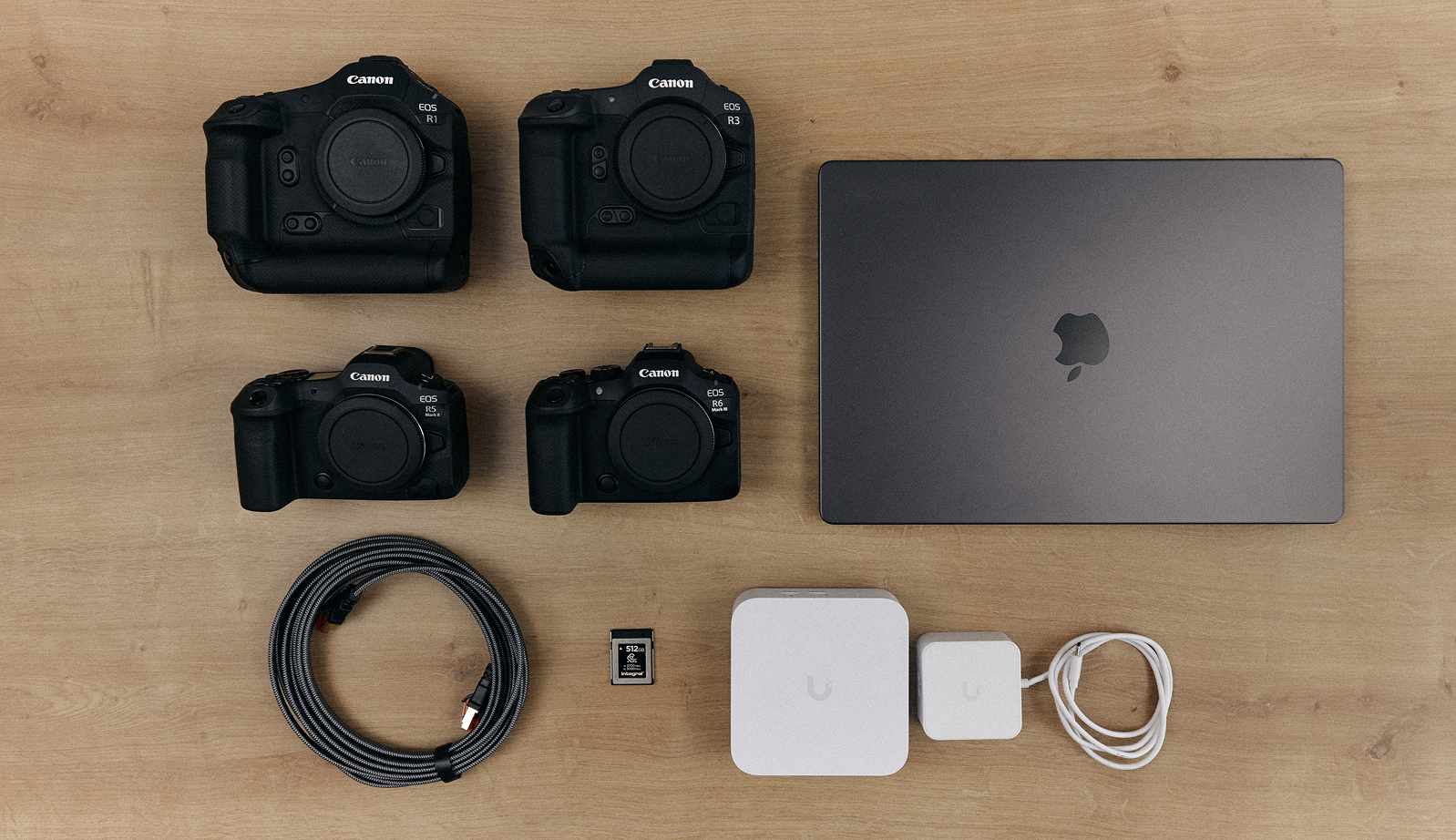
Shooting without a cable has been possible in Capture One for years. What was missing was speed, and with it, the confidence to use wireless when the shoot depends on it. Wireless was the option you took when a cable wasn’t practical, not one you chose on merit.  2nd Gen Wireless Tethering was built to change that. Here’s how it works, why it works the way it does, and how to get the best results.  The problem It’s tempting to treat slow wireless tethering as a software problem. The obvious responses are to optimize the transfer, tune the protocol, cut overhead. Those things help at the margins, but they don’t change the basic situation: the file still must cross the air.  A full-resolution RAW file is tens of megabytes. A wireless connection on set rarely performs as well as its specification suggests. Other devices compete for the same network, other networks sit nearby, and the camera is writing to its own memory card at the same time. Moving a file that size across a connection …
A question, a gust, and a boat: New talent enters the scene

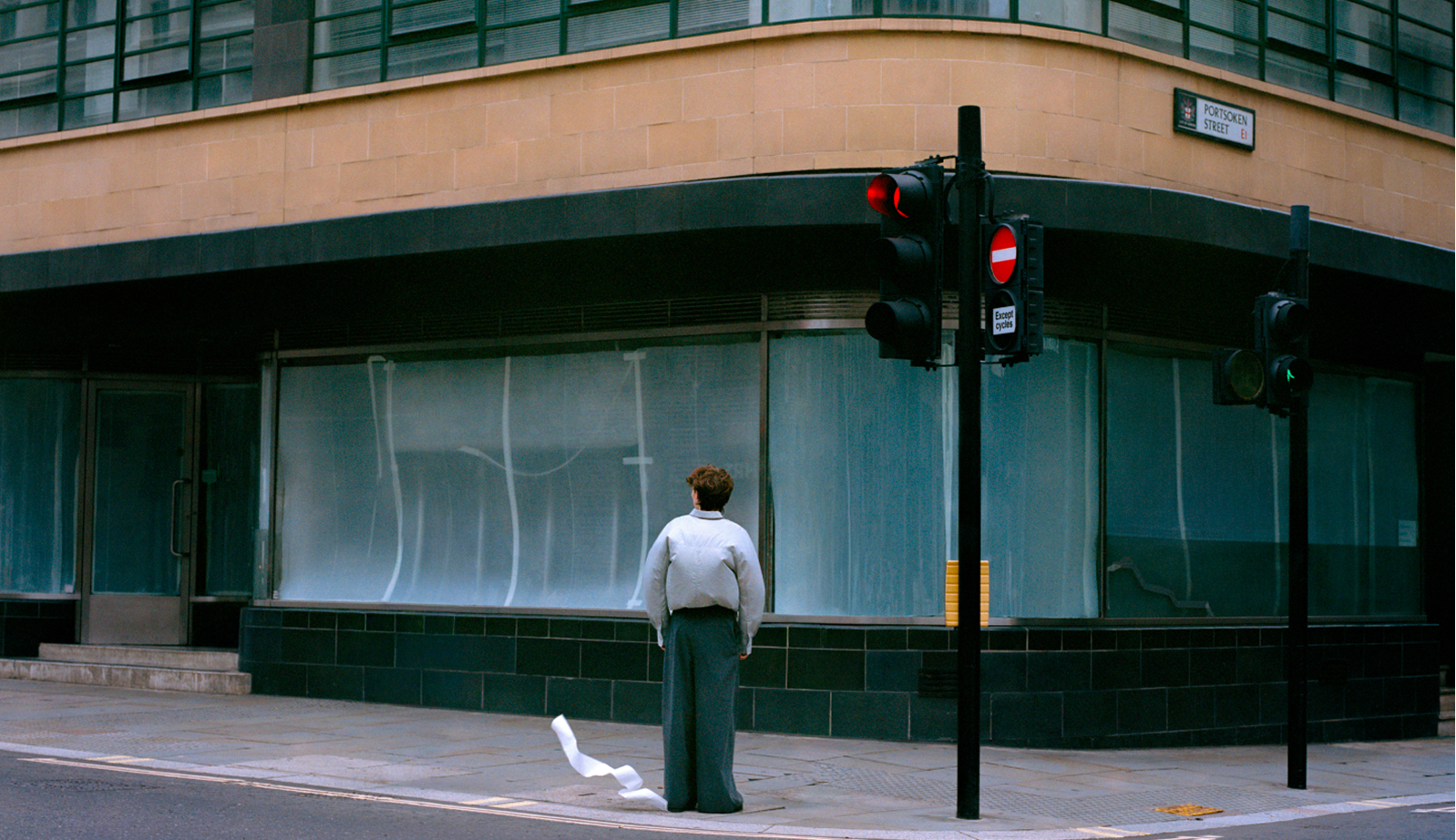
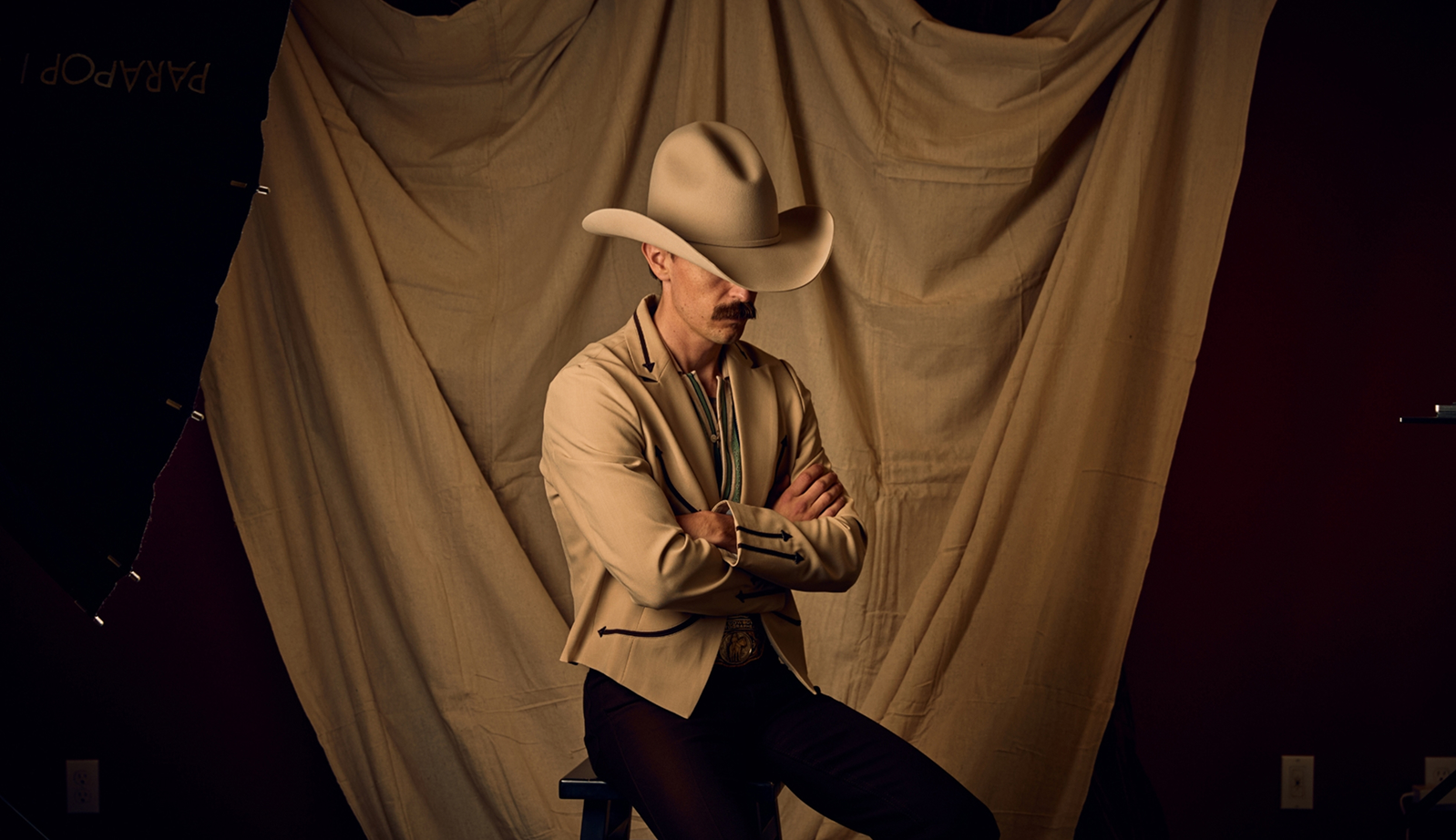
No flash, no studio. Here’s how three Capture One RAW Talent winners made their work and shared something true to themselves.   Three winning projects. One is a set of portraits built around a single uncomfortable question. One is about the draft of air that moves through a subway passage. One is about people who live on boats.   On paper they share nothing. In practice, none of the three used a flash. All three found their subject somewhere they had already walked past a hundred times. And two of them came out of the London Underground.   We asked each of them how the work happened.   Jenny Liao: Probe Jenny Liao was an oral surgeon before leaving the profession to study photography at the University of the Arts London. Now based in China, she built Probe around a question she had wanted to ask other people for years, having once struggled to answer it herself.   “Is there a trait that has often been discouraged or undervalued throughout your life, but that you still choose to keep?”   Every …

Self Portraiture: the Lens of the Heart

I’ve always had a strong sense of direction. That was the problem. What if after 7 long days trudging through the deep woods, you discovered the compass that had been guiding your every step was actually broken? You’d realize you were lost. It wasn’t until 7 years into my creative career that I discovered I was utterly and completely lost. I was operating with a broken compass. I had a strong sense of direction, it was just the wrong direction. If you are headed in the wrong direction, the sooner you stop and turn back, is actually when you begin to make real progress. It wasn’t until I picked up a camera and started taking self portraits did I begin to find the way. The most important lesson I’ve learned is this: what matters more than anything a photographer has in their kit is the heart from which they create. I was working in the movie industry pursuing the American Dream: appearing really busy and successful on Instagram and trying to be the envy of …

Behind the feature: Negative Film Conversion in Capture One

If one thing is clear, film photography is not dead. We see it across genres, from commercial fashion photography to enthusiast communities. So, it’s perhaps not a coincidence that Negative Film Conversion has been one of our most requested features.  Last year, we got to it.   Now, let’s explore how the solution came to life, how it was designed, what needed to be right, and who we collaborated with to bring it to market.  Designing the feature: Capture sets the foundation  When scanning and converting film, the earliest decisions in the workflow have a lasting impact. That means the quality of the conversion depends heavily on how the negative is captured. To get the best starting point, the goal is to extract as much information as possible from the film, which means maximizing dynamic range and minimizing digital noise during scanning.  A camera-based scanning setup with a stable film carrier helps keep the negative sharp, while an even, consistent light source ensures uniform exposure across the frame. When the camera is tethered to Capture One, exposure warnings make it easy to immediately see whether a capture is over- or underexposed, …