
New features in Capture One 12
The new Capture One 12 features powerful masking possibilities, including luminosity masking, a re-designed interface, plug-in compatibility and much more!
The new Capture One 12 features powerful masking possibilities, including luminosity masking, a re-designed interface, plug-in compatibility and much more!

Following the launch of Capture One 11.1, we have gathered 11+1 tips and tricks you might have missed. Whether you are new to Capture One or have years of experience, make sure you know all these tips! Learn about Auto Levels, Single Pixel Noise reduction and much more.
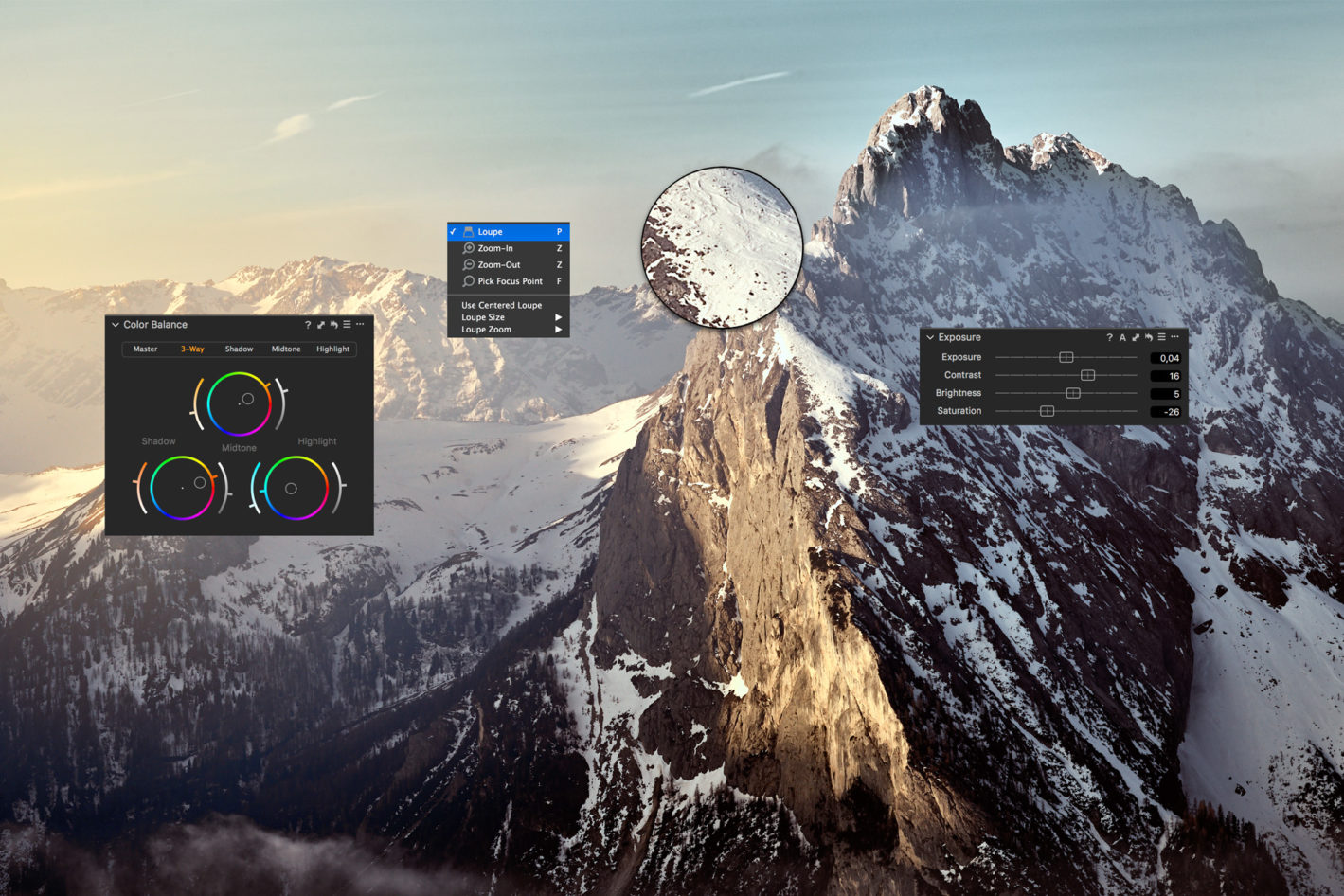
Capture One has many tools and features that might not be directly visible when first working with it. I’ve tried to gather some of the tips and tricks that help me when I work in Capture One. I hope at least one of them might be beneficial for your workflow as well!

In today’s world where images are output to a variety of media, and client changes are commonplace, an efficient and flexible workflow is just as important as the quality of your final image. The goal of this post is to take you through my retouching workflow, from tethered capture to Photoshop and all the way to image output, and show how you can get great quality results while remaining agile and efficient.