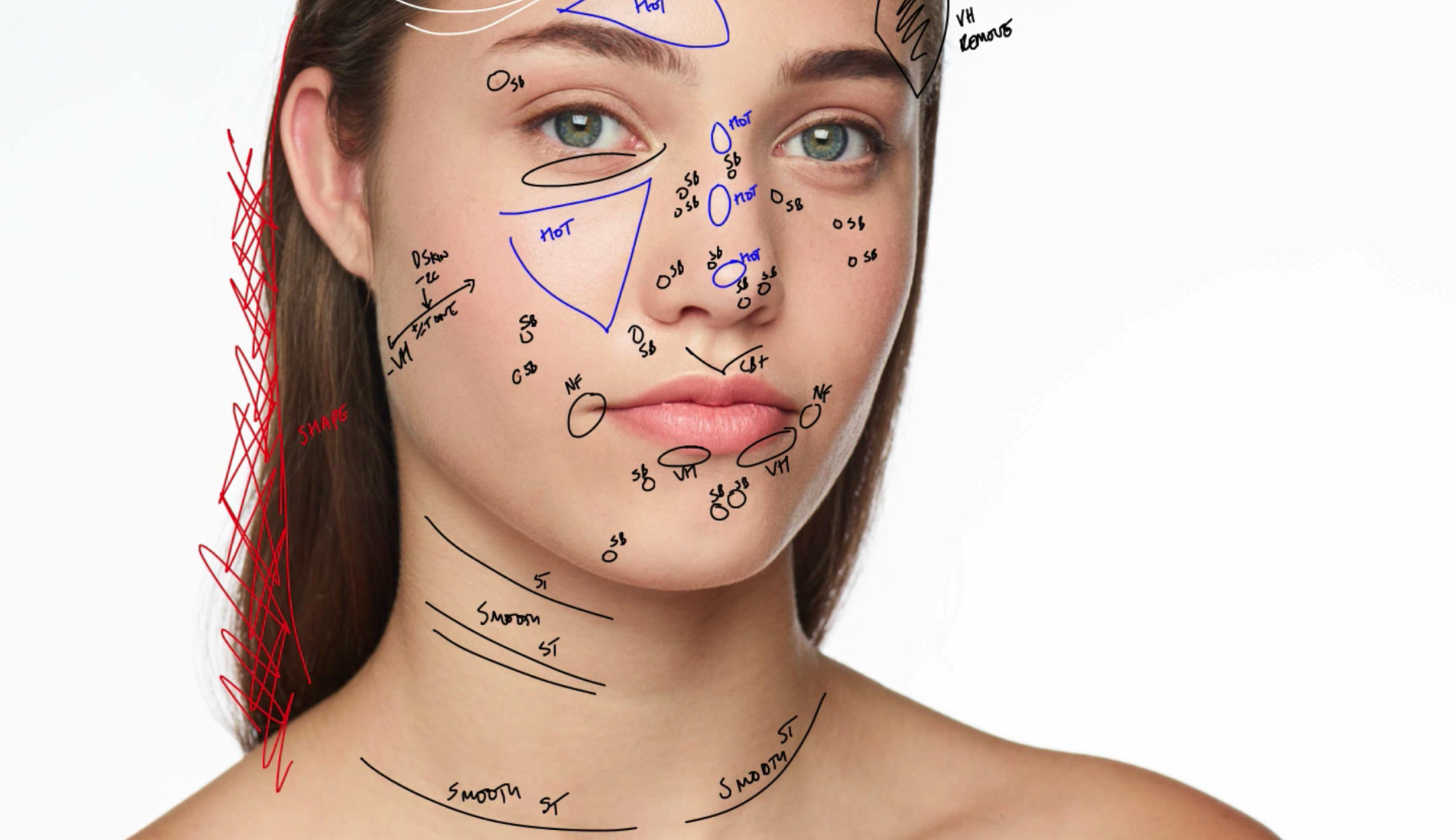
Annotations
Annotations let you draw directly on your images. Hide or include Annotations as a separate layer when exporting.
Annotations let you draw directly on your images. Hide or include Annotations as a separate layer when exporting.
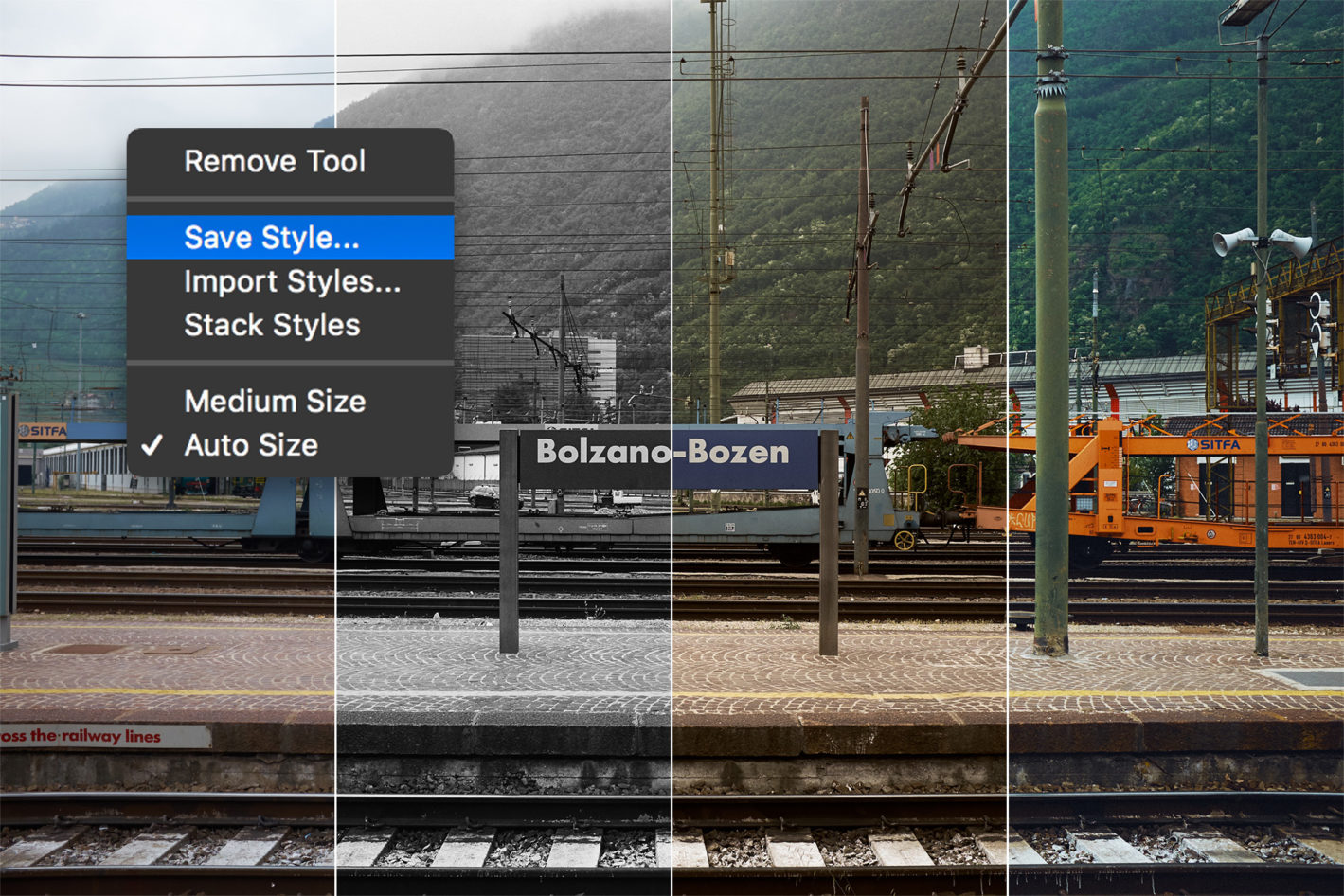
NOTE: This article discusses an outdated version of Capture One. To learn more about our latest version, click here. Whether you use Styles and Presets as a large part of your editing process, or simply browse through them occasionally for inspiration, they can be hugely beneficial to any workflow. This blog post will describe some best practices to make your Styles more useful and broadly applicable for optimal results. If you don’t already have Capture One, you can download a free 30-day trial. Before we move on to the technical tips and tricks, let me just quote a previous blog post about Working with Styles: Technically speaking, a Style in Capture One is simply a set of pre-made adjustments that can be applied to one or more images with a single mouse click. A Style can include as many tools as you like, thus enabling photographers to create an extensive bank of ready-to-use adjustments for any workflow. It is important to differentiate Styles from Presets, which also exist in Capture One. A Preset is also …
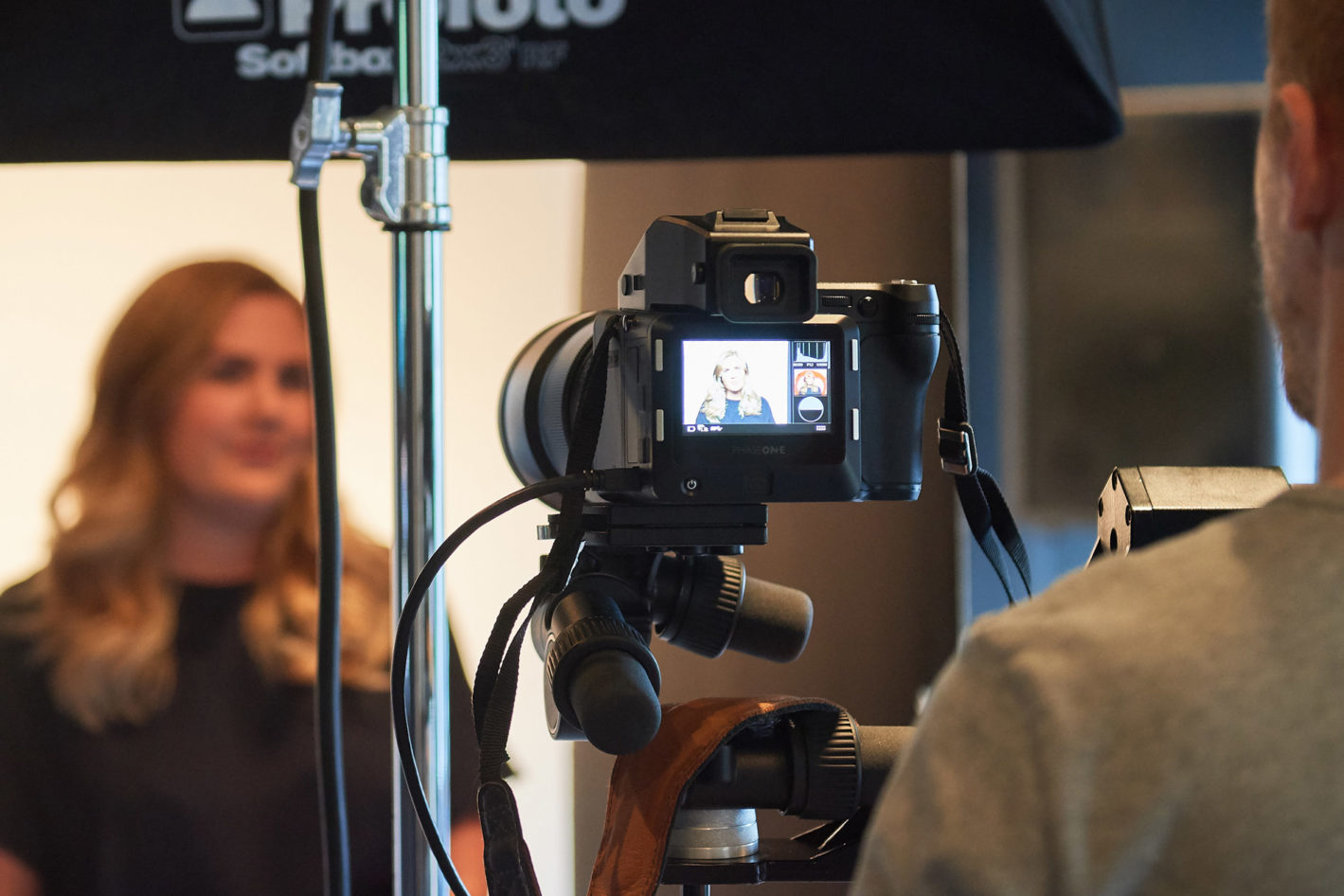
When shooting corporate headshots, or other portraits of many individuals, time is often an important factor. You don’t get many minutes per person, and after several days of shooting, you often end up with a huge number of images. Managing an entire company’s batch of headshots can be complicated, but it doesn’t have to be time consuming or difficult. Capture One is a super powerful tool to help with this task.

From version 10.1, Capture One supports reading of PSD files. You have always had the option to export to this widely popular file format, but if you wanted to see your work file inside of Capture One after some external editing, you were required to save your layered file as a TIFF. Those days are gone. Whatever layers you might add on top of your images, Capture One will now recognize and show PSD files as any other supported file type. It is important to mention that processing layered files from Capture One always flattens the image, and the layers in your PSD or TIFF files are not individually visible or editable in Capture One. The files are always treated as non-layered files within Capture One. Now, what does this mean for your workflow? Depending on how you edit your images, this provides two overall game changing additions if you are a regular user of Capture One and Photoshop (or a similar editing software): asset management and full round-trip workflows. 1. Asset Management If you …