It was a bleak morning on Bleaker Island in the Falklands. However, if you like photographing birds, then the Falklands is a great location no matter what the weather is like, although transport from island to island isn’t without its challenges. Although there are small airfields dotted around, most people visit as part of an expedition ship and I was no exception, travelling with Peregrine Adventures.
Where we landed on Bleaker Island was home to two colonies of birds, Rockhopper Penguins and the Imperial Shag. The weather was cold, overcast and very windy. We even had a couple of snow showers pass over which was great for atmosphere, but not particularly helpful for photography.
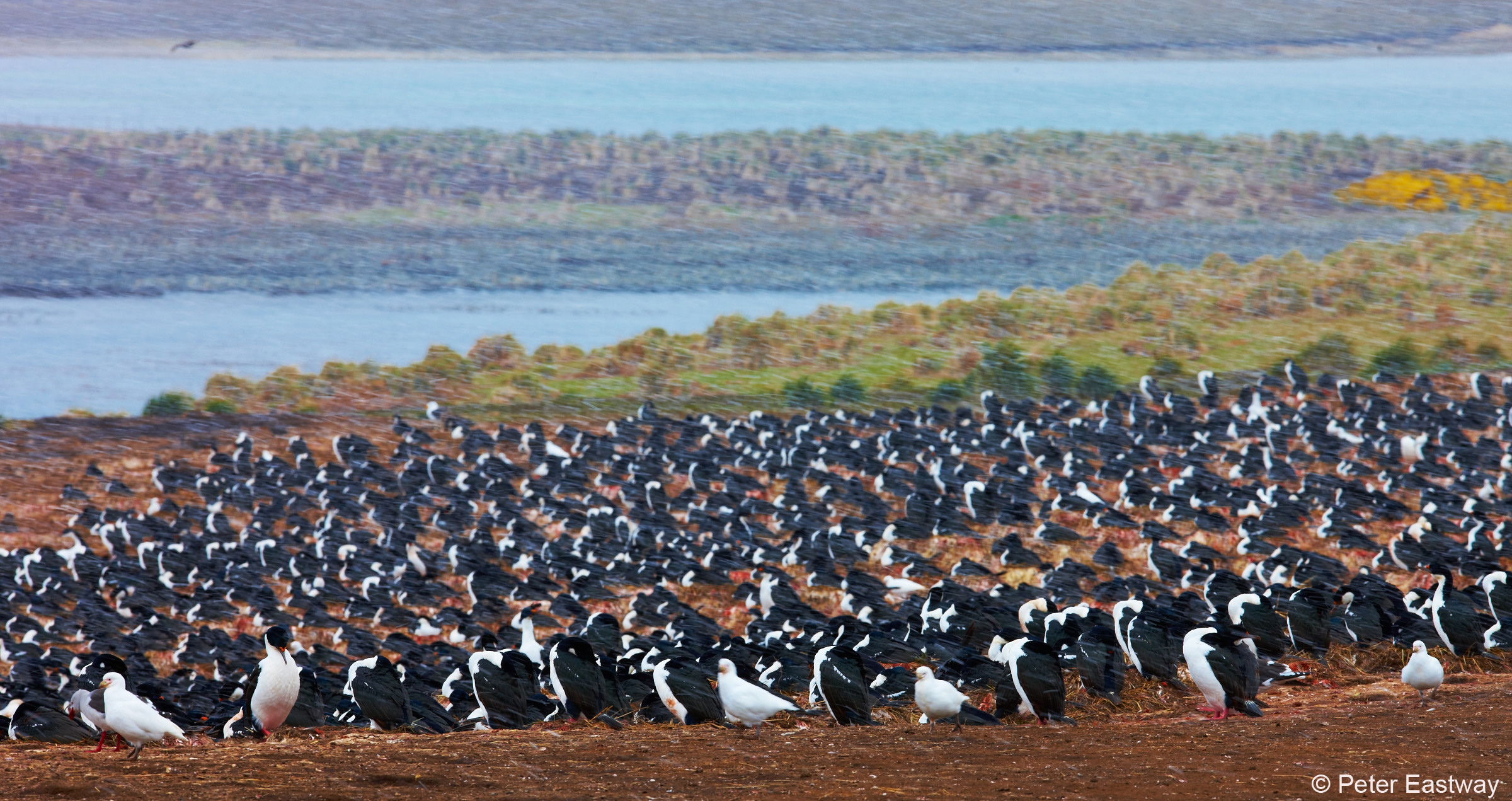
As usual, there were strict rules as to how close we could get to the birds and our group was strung out along a fence line. It was hard to know what the island was like in fairer weather, but I have no doubt it would be very picturesque!
At the end of the fence was a colony of shags who used a stretch of land just in front of us as a runway. The birds would gather speed and throw themselves into the wind and out to sea. It was a perfect location for shooting the Imperial Shag on the wing, but I confess to shooting several hundred frames of which only a couple were satisfactory.
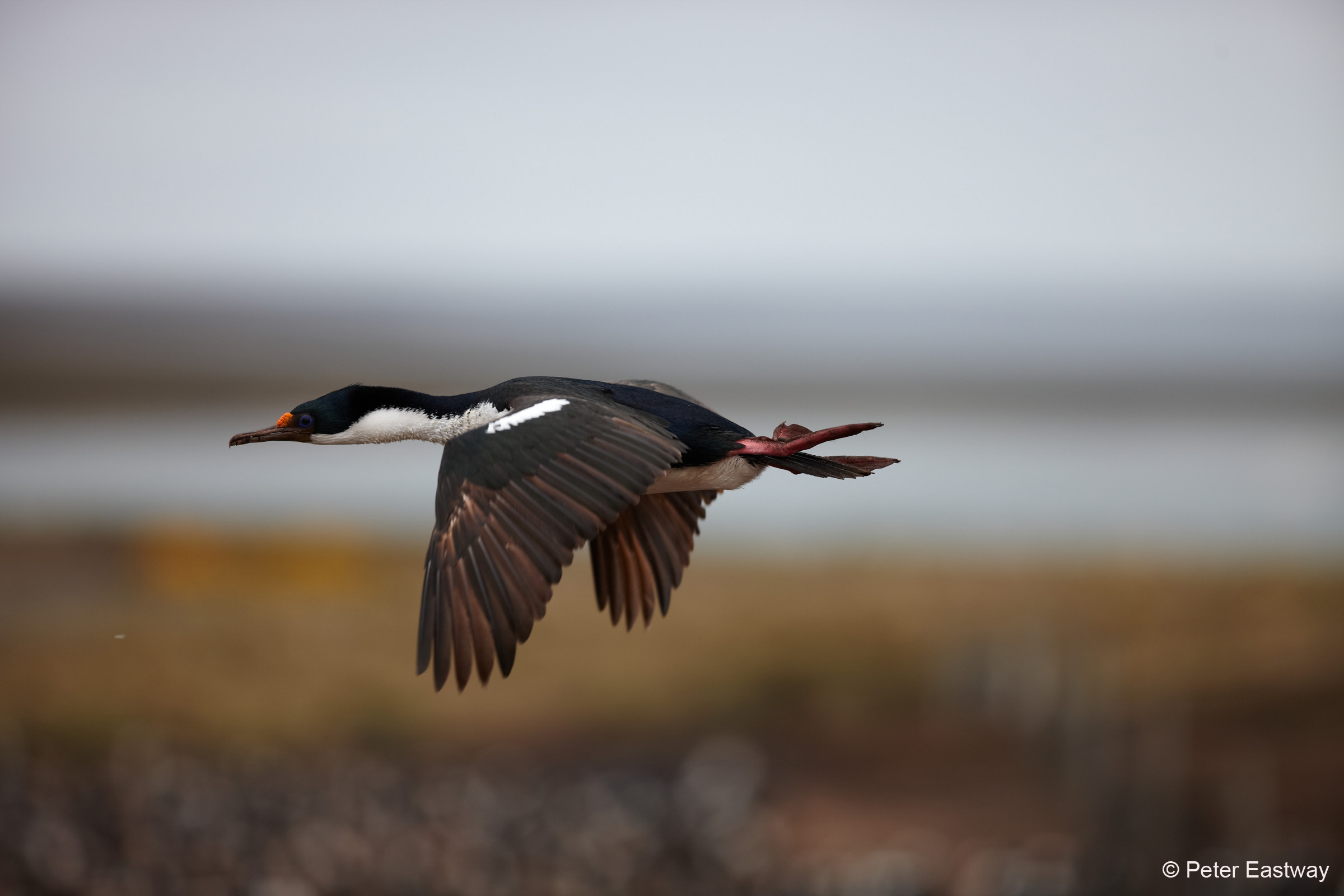
And then, of course, there was the unsatisfactory nature of the light. It was dull and lifeless, so I figured this was a time I could use Capture One to breathe in some colour and excitement!
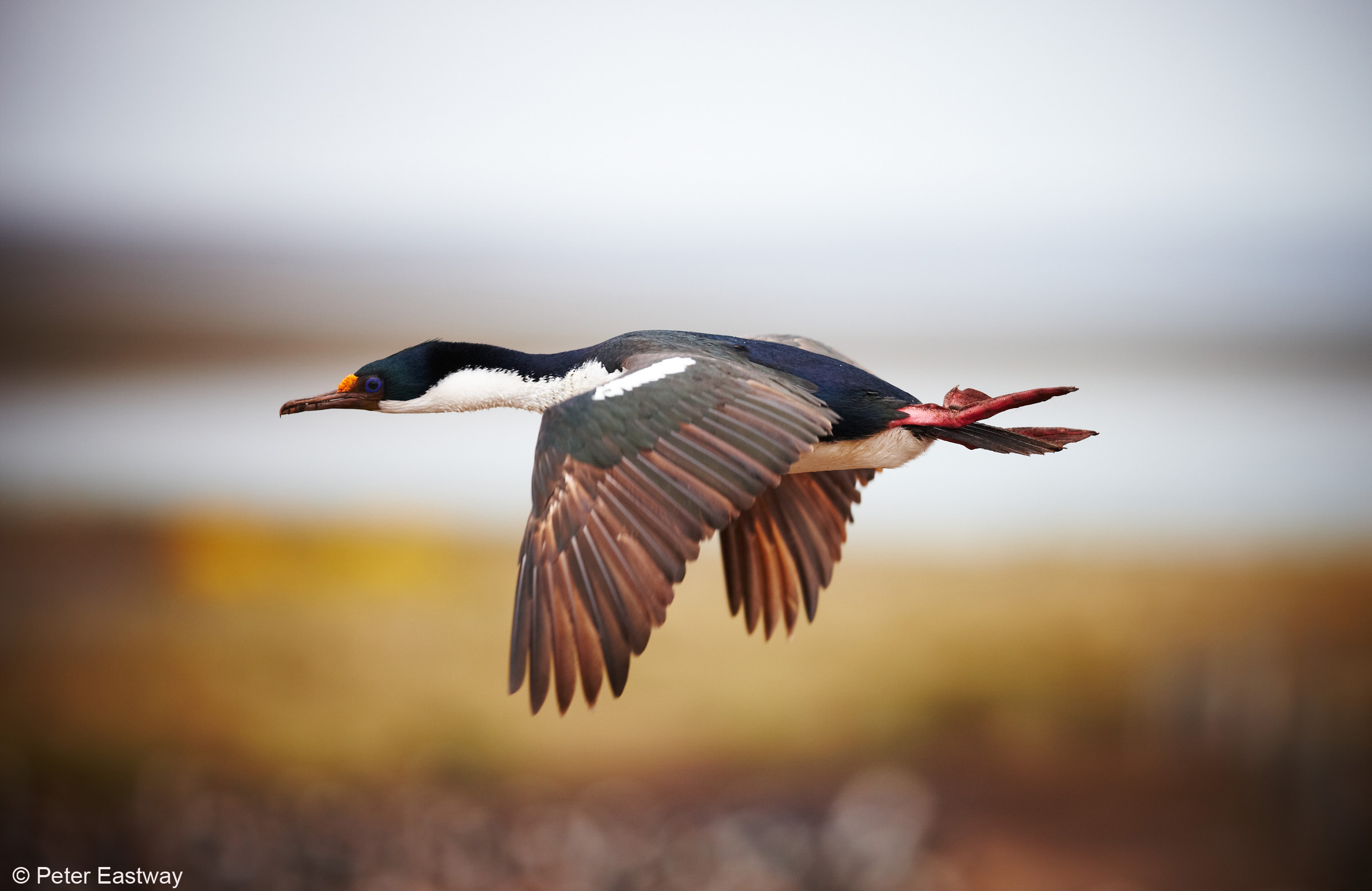
The first adjustments made in Capture One were to crop the image so the bird was positioned in the centre of the frame, rather than on the left side. I’d actually prefer there to be a little more room on the left than I have – and that could be easily arranged later in Photoshop. I also adjusted the exposure and contrast to produce as much detail in the shag as possible, being mindful that its white and dark feathers had to be carefully managed.
In this way, the Imperial Shag is natural and honest. This is what I saw. Now, I may get into trouble with the purists for the next few steps!
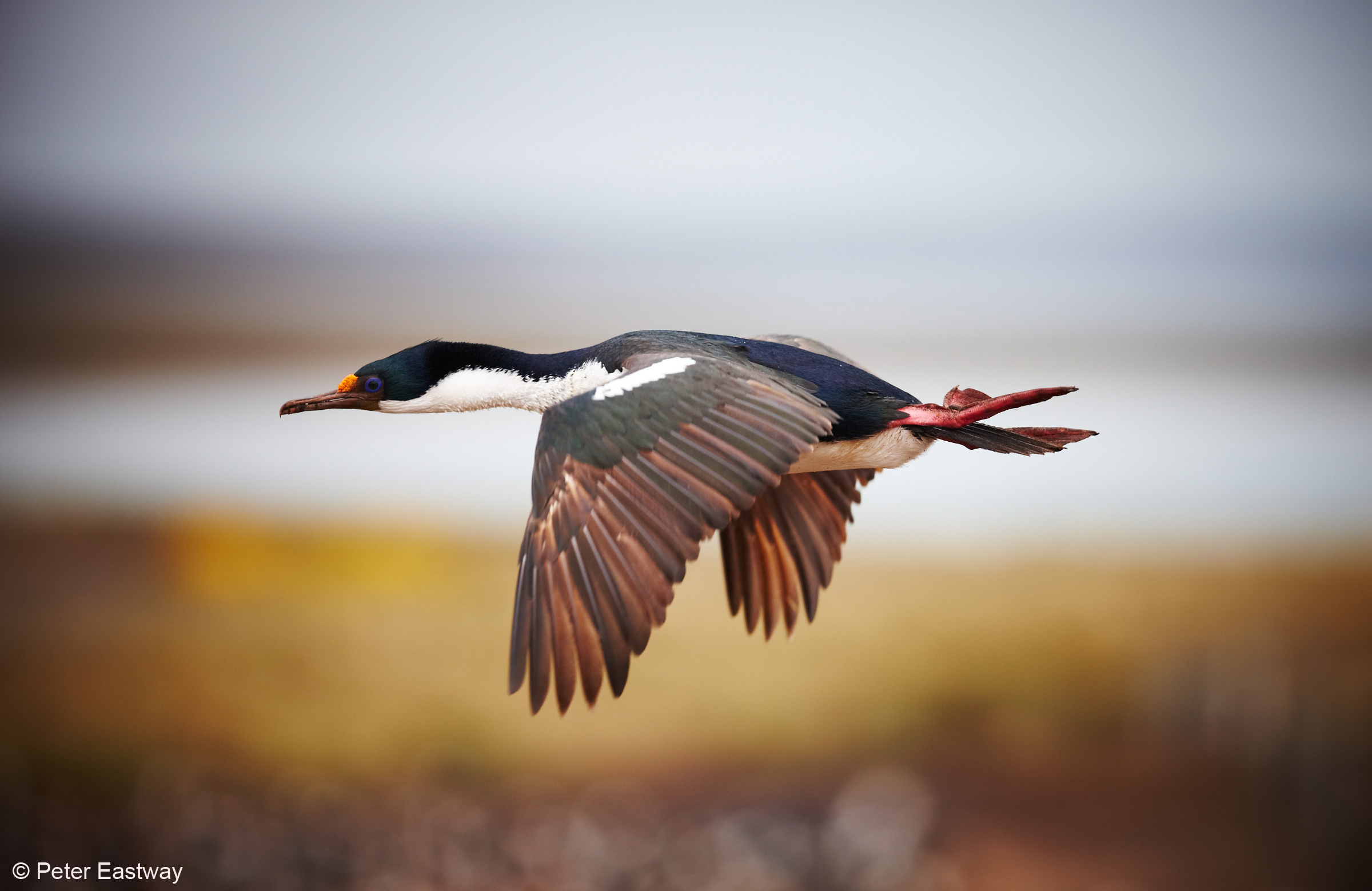
My first Local Adjustment layer darkens down the sky, with a soft edge brush just above the bird.
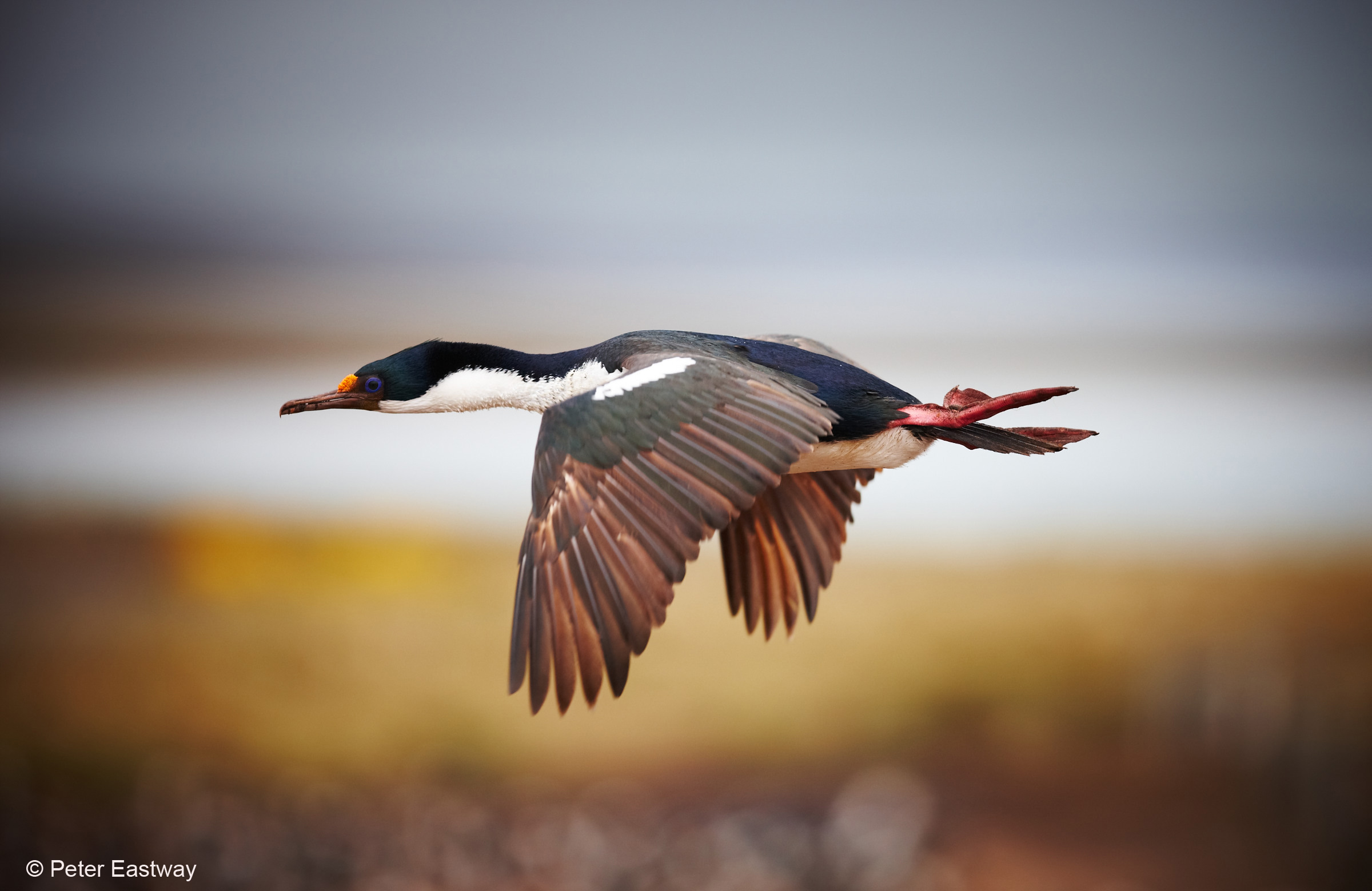
I then repeated this with a second Local Adjustment layer, but I positioned the adjustment brush a little higher. I find two or more small adjustments usually produce a better result than one larger adjustment.
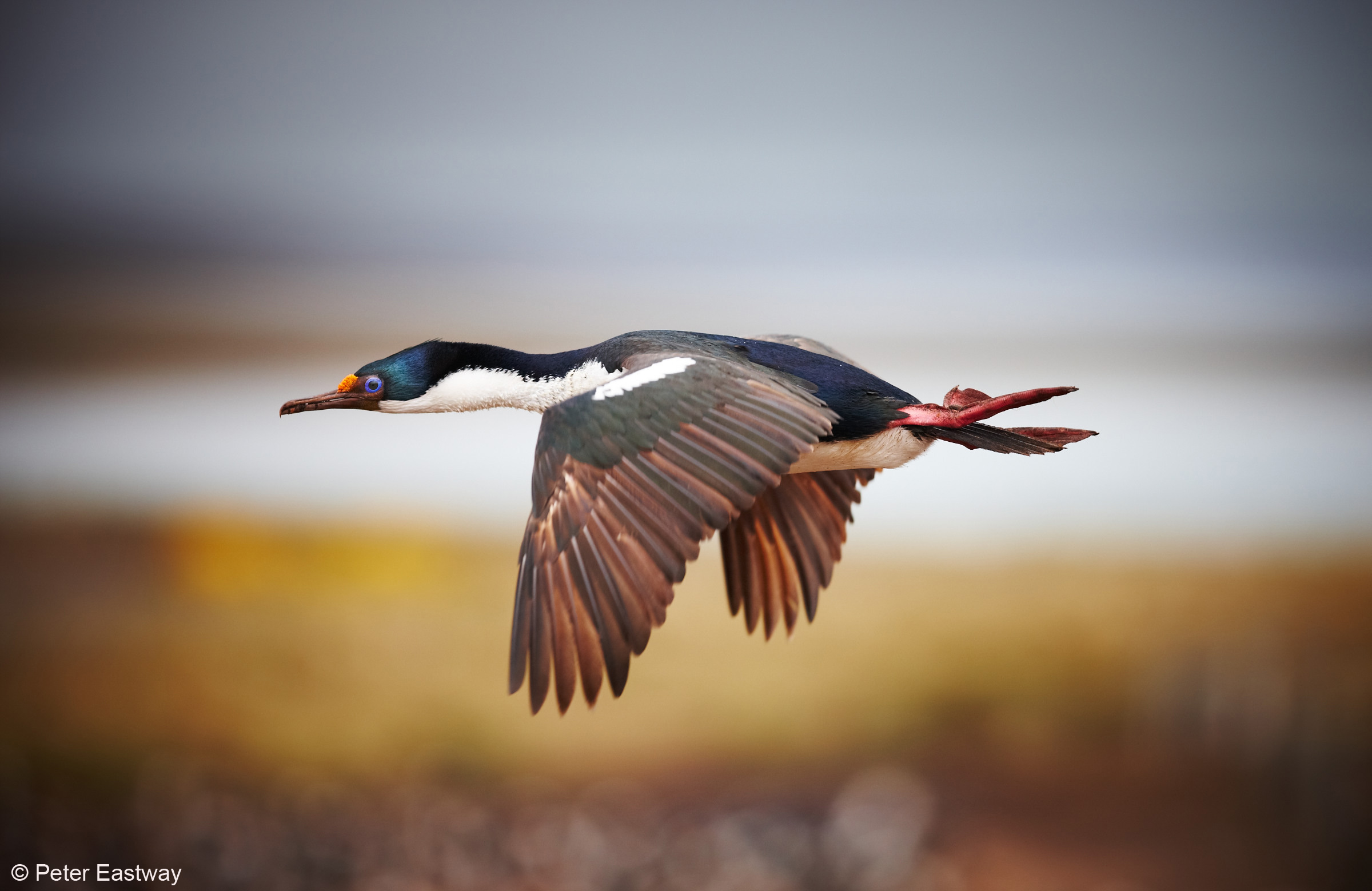
Then I added my third Local Adjustment layer and lightened the eye and surrounding feathers. From other photographs I have seen of the Imperial Shag, I think these colours are reasonably realistic – I haven’t added in any colour saturation, just increased the contrast and exposure appropriately.
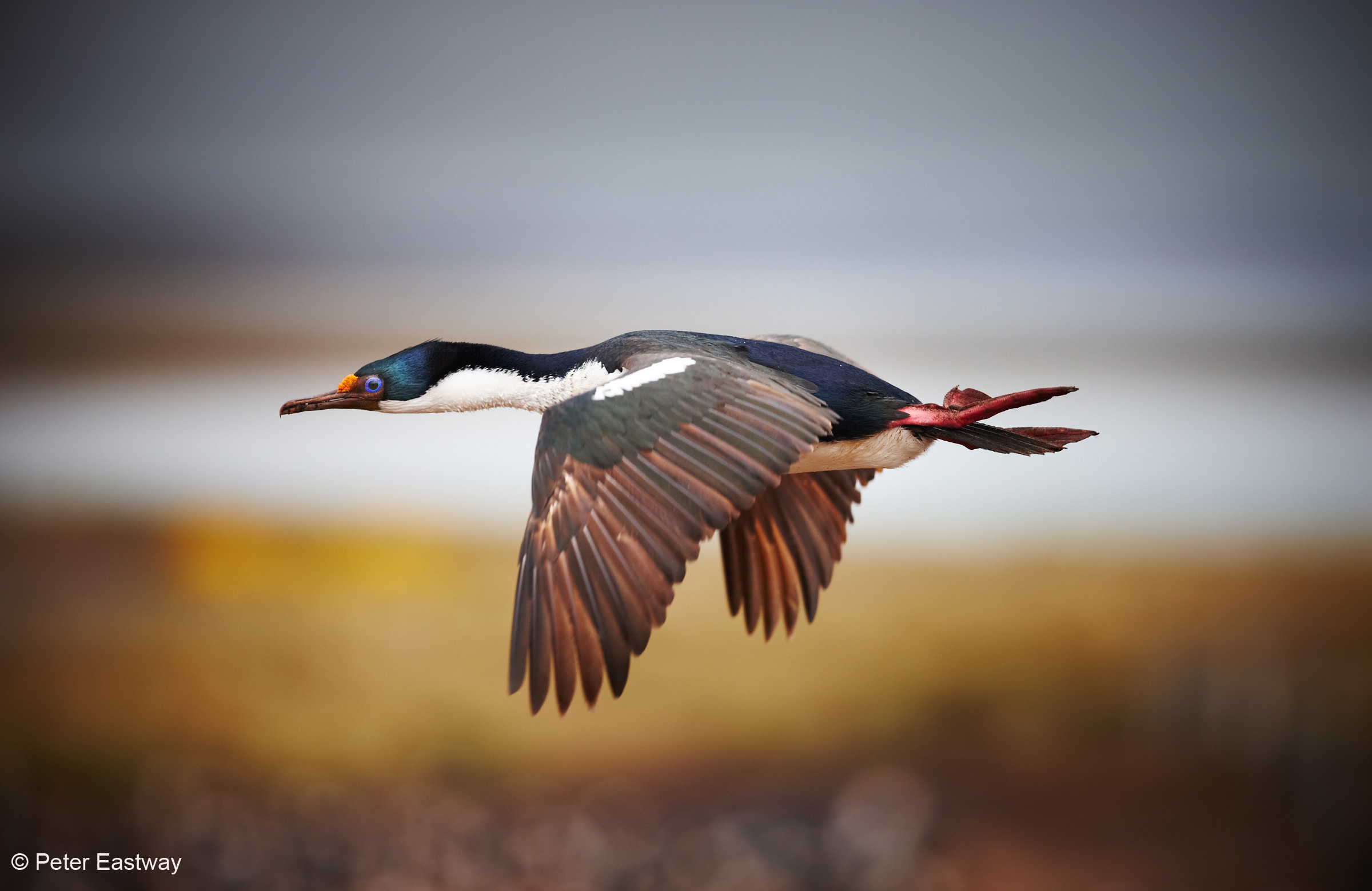
The fourth Local Adjustment Layer darkens down the top and right hand edges a little more to contain the eye – some people will like this vignetting, others will not. I like it! And at this stage, I stopped, because I figured I couldn’t get into too much trouble for the adjustments I had made. However, the image still lacks a little punch…
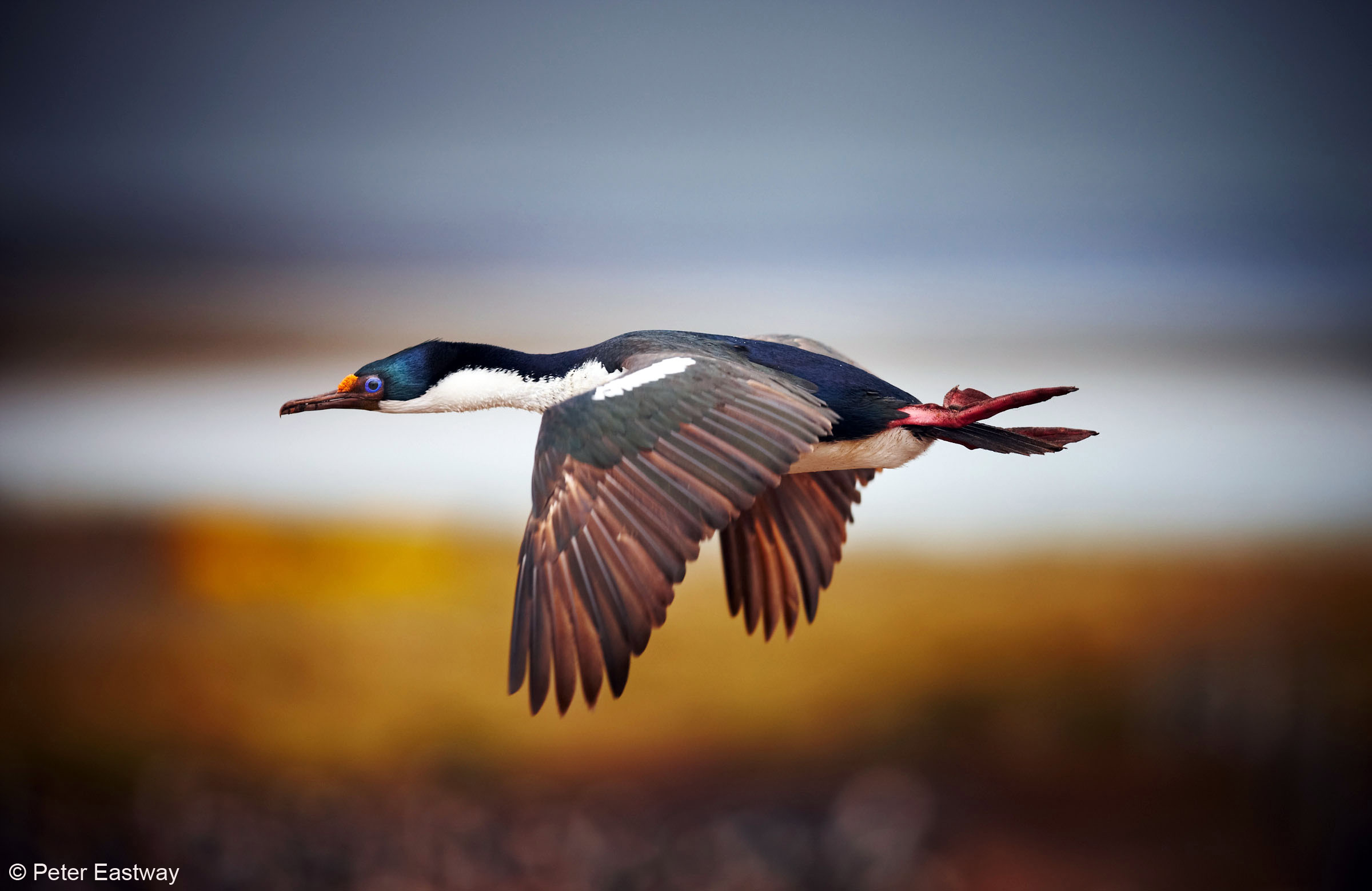
So I couldn’t help myself! The final Local Adjustment layer reduces the background exposure and increases the colour saturation, which brings up the colour in the blurred grasses in the background and further darkens the sky. I have masked the shag so that its colours and exposure are not affected and I’m quite happy with the result!
If you’d like to see in more detail how I worked on this file, you can access a short video on the Better Photography website by clicking here.
Peter Eastway is a professional photographer and photography magazine publisher based in Sydney, Australia. To see more of his photography, visit http://www.petereastway.com/. Peter also offers an online Landscape Photography MasterClass. Details can be found at http://www.betterphotography.com/.